
Tour bookings
Tour listings, guest numbers, sample pricing and booking status.
Browse a tour and create a sample booking. Open Staff demo to confirm or cancel it.
Try this in the demo TasiCore Back to TasiCore
Explore complete, connected experiences for your customers and your team. Try the workflow, choose your modules, and imagine what’s possible for your business.
Fictional data only. No real emails or payments. Saved in your browser. Open full screen
Take the guided tour, then use “Your package” to select optional modules. Document previews can be printed or saved as PDFs.
Explore a proposed installation package for a tour company. Select the modules you need and expand each card to see how it works.
Demo configuration only. Selecting modules does not install software or connect payments and email.
Tour listings, guest numbers, sample pricing and booking status.
Browse a tour and create a sample booking. Open Staff demo to confirm or cancel it.
Try this in the demoAssign a driver and linked vehicle to a booking, then record guest check-in.
Open Staff demo after creating a booking. Choose a driver and vehicle, confirm the booking, and check guests in.
Try this in the demoGive guests an itinerary with their booking details and pickup point.
Open My bookings → View itinerary. Use Print / Save as PDF to preview a guest travel document.
Try this in the demoConnect enquiries to quotes, invoices and receipts for your business.
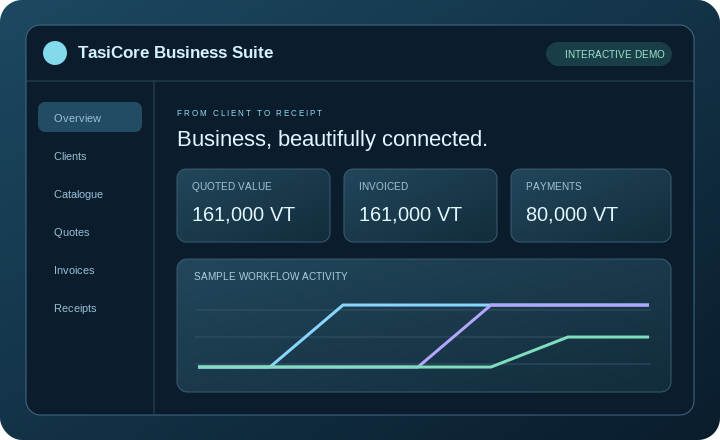
Try the complete client → quote → invoice → payment → receipt workflow in TasiCore Business Suite. Connecting it to tour bookings is scoped for your installation.
Open Business SuiteBring customer enquiries and booking conversations into one staff workspace.
Proposed connection: website enquiry → inbox conversation → staff reply. Email receiving and sending require mailbox integration.
See active bookings, expected guests and the sample booking value.
Open Staff demo to see totals update as you create or cancel sample bookings.
Try this in the demoMaintain tours, prices, photography and information through a client administration area.
The current demo uses six fixed sample tours. A client installation can add content editing with staff permissions.
Tour bookings · Drivers & vehicles · Guest itineraries
Client setup: confirm requirements → agree on the package → install and configure → test with staff.
Discuss this package